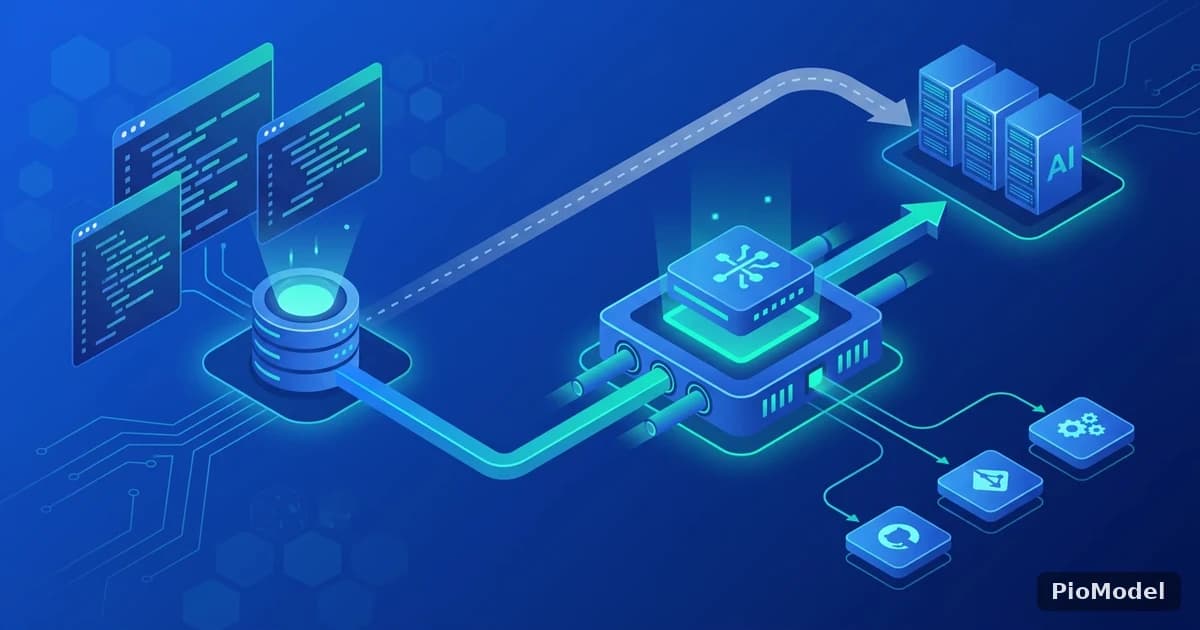
Claude Code talks to Anthropic's API by default, authenticated with an API key or your Claude subscription. For teams that already have model access through a different account, or that want to route Claude Code traffic through the same billing and key-management setup they use for other tools, the relevant question is simple: can Claude Code point somewhere else, and what breaks if it does?
How Claude Code decides where to send requests
Claude Code reads two pieces of configuration to know where to send API requests and how to authenticate: a base URL and an auth token, both exposed as environment variables (commonly ANTHROPIC_BASE_URL and ANTHROPIC_AUTH_TOKEN — check Anthropic's own CLI documentation for the exact variable names in the version you're running, since CLI tooling changes faster than API contracts). Setting both to a compatible gateway's endpoint and key redirects every request without touching your project files.
What counts as "compatible" here?
Claude Code expects native Anthropic Messages API request/response shapes — system prompt handling, streaming events, tool-call blocks. A gateway that proxies to Claude natively, rather than translating through an OpenAI-shaped intermediate format, preserves this without surprises.
Step-by-step: pointing Claude Code at a gateway

- Get your gateway API key from its dashboard.
- Set the base URL environment variable to the gateway's documented endpoint.
- Set the auth token environment variable to your gateway API key.
- Restart your terminal session (or source your shell profile) so Claude Code picks up the new environment variables.
- Run a small test prompt and confirm the response comes back before relying on it for real work.
Do I need to change anything in my Claude Code project settings?
No — this configuration lives at the environment level, not the project level, so it applies across every project Claude Code touches in that shell session.
Troubleshooting the errors you'll actually hit
Almost every setup issue at this step falls into one of a small number of buckets, and the fix is almost always a copy-paste mismatch rather than an account problem.
| Symptom | Likely cause | Fix |
|---|---|---|
| 401 Unauthorized | Auth token env var not set, or set in a shell session you didn't restart | Confirm the variable is exported, then open a fresh terminal |
| Requests still hit Anthropic's default endpoint | Base URL variable name typo or wrong scope (e.g. set in the wrong shell profile) | Echo the variable back to confirm it's actually set before starting Claude Code |
| Model not found / unsupported model error | Requested model string isn't one the gateway has mapped upstream | Check the gateway's supported model list before assuming the account is misconfigured |
Why does restarting the terminal fix so many of these?
Environment variables are read once, when a process starts. If you export a variable in an already-running shell that Claude Code was launched from before the export, that session's Claude Code process never sees the new value — restarting is the fix, not a workaround.
Why teams do this at all
The most common reason isn't cost — it's consolidation. A team already paying for API access to Claude, GPT, and DeepSeek through one gateway would rather manage one key and one invoice than reconcile three separate provider accounts, especially once more than one internal tool needs model access.
PioModel's API keys work as drop-in Anthropic-compatible credentials for Claude Code, alongside the same OpenAI-compatible endpoint used for GPT, DeepSeek, GLM, Kimi, Qwen, Llama, and Grok — so the same key that authenticates Claude Code also covers whichever other model you reach for next.


Comments
Sign in to join the discussion