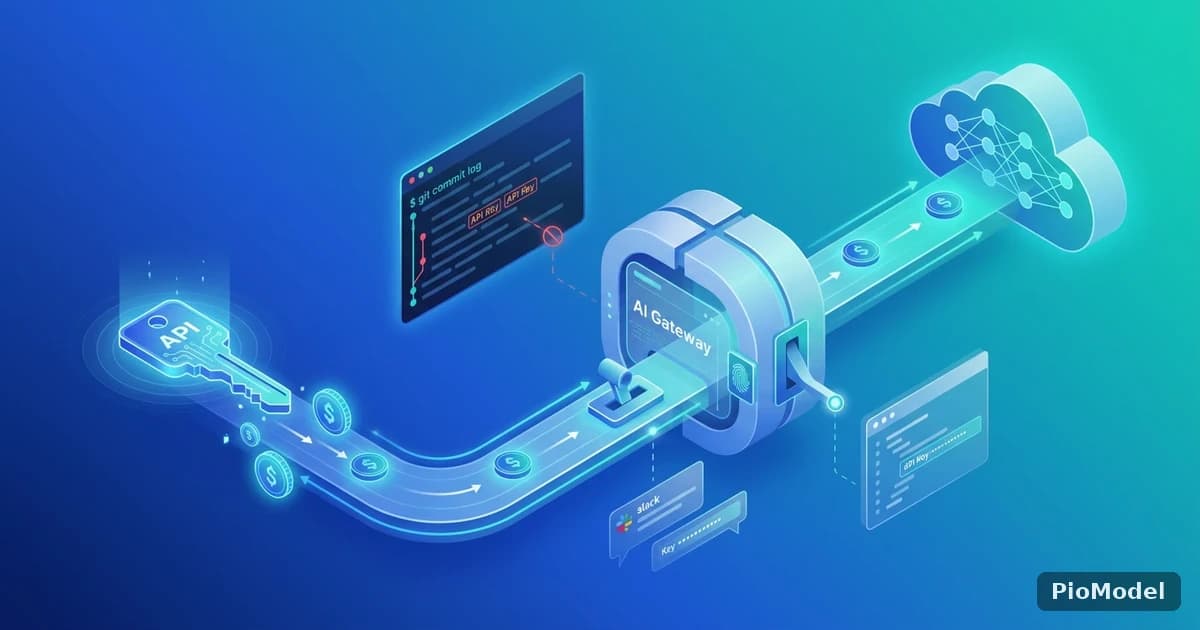
An LLM API key is, functionally, a billing credential with no spending cap by default — anyone who has it can generate usage that lands on your invoice. That makes API key hygiene a slightly different problem than typical application secrets: the blast radius of a leaked key isn't just unauthorized access, it's unauthorized spend that keeps accruing until someone notices.
Where LLM API keys actually leak
The leak sources are mundane and repeat across almost every incident: a key committed to a public (or later-made-public) Git repository, a key hard-coded in client-side code that ships to end users' browsers, a key pasted into a shared document or chat channel for "just testing," and a key left in a CI/CD log because an environment variable got printed during a debug step.
Why is client-side exposure worse than it sounds?
A key embedded in frontend JavaScript is visible to anyone who opens their browser's dev tools — it's not a theoretical leak, it's a public one from the moment the code ships, regardless of how obscure the variable name is.
Separating development and production keys
Using the same API key across local development, staging, and production means a leak anywhere in that chain compromises production usage, and makes it impossible to tell which environment generated a given request without additional logging. Separate keys per environment turn "which environment is this spend coming from" into a lookup instead of a guess, and let you revoke a compromised development key without touching production traffic.
What's the minimum viable version of this if I only have one project?
Even a single-developer project benefits from separating a "local testing" key from a "deployed" key — the moment you're comfortable pasting the local key into a throwaway script or sharing it in a support request, you don't want that to be the same key serving real traffic.
A practical self-check before your next deploy

What to do if a key leaks
- Revoke the leaked key immediately — don't wait to confirm it was actually used maliciously first.
- Issue a new key and update every service that referenced the old one.
- Check usage logs around the suspected leak window for anomalous request volume or unfamiliar request patterns.
- If the leak was via a public repository, treat the key as compromised the moment it's pushed, even if the repository is made private again quickly — assume it was scraped.
Why revoke first and investigate second?
Every minute a leaked key stays active is unmetered exposure to unauthorized spend. Investigation doesn't reduce that exposure; revocation does — so revoke immediately and investigate from the usage logs afterward.
Key rotation as a routine, not just an incident response
Rotating keys on a schedule — not only after a suspected leak — limits how long any single credential stays valid, and forces the "which services reference this key" question to get answered regularly rather than only during an emergency, when the answer is needed fastest and known least well.
PioModel supports per-environment API keys with independent usage tracking, so a development key and a production key can be issued, monitored, and revoked separately without one action affecting the other.


Comments
Sign in to join the discussion